
Digital cinema makes use of two types of common cryptography: symmetric-key cryptography, and asymmetric-key cryptography, also known as public-key cryptography. This section provides a review of encryption basics, leading to the application of encryption for digital cinema content and keys.
Encryption Basics
There are two classifications of cryptographic algorithms: symmetric and asymmetric. Symmetric-key cryptography uses the same key to lock and unlock data. This concept is illustrated below, where the red key represents a symmetric key.
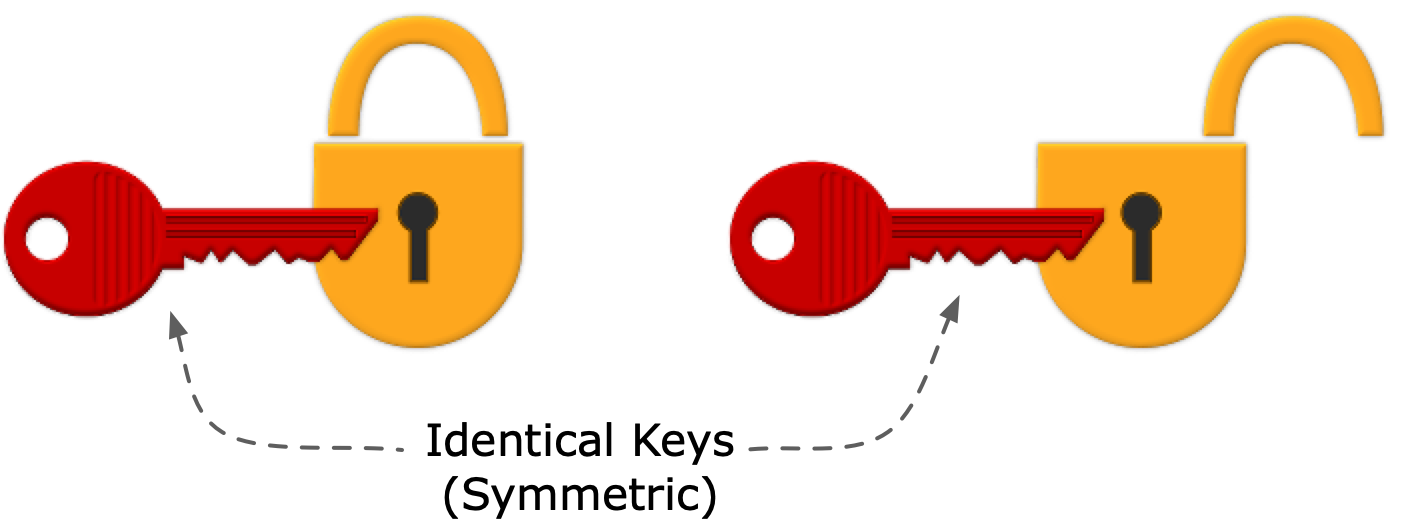
Figure EM-1. Symmetric Keys
Asymmetric cryptography requires two non-identical, but mathematically linked, keys, comprising a key pair. These are often referred to as public and private keys. The concept is illustrated below, where the public key is the green key, and the private key (in practice, hidden from prying eyes) is the blue key.
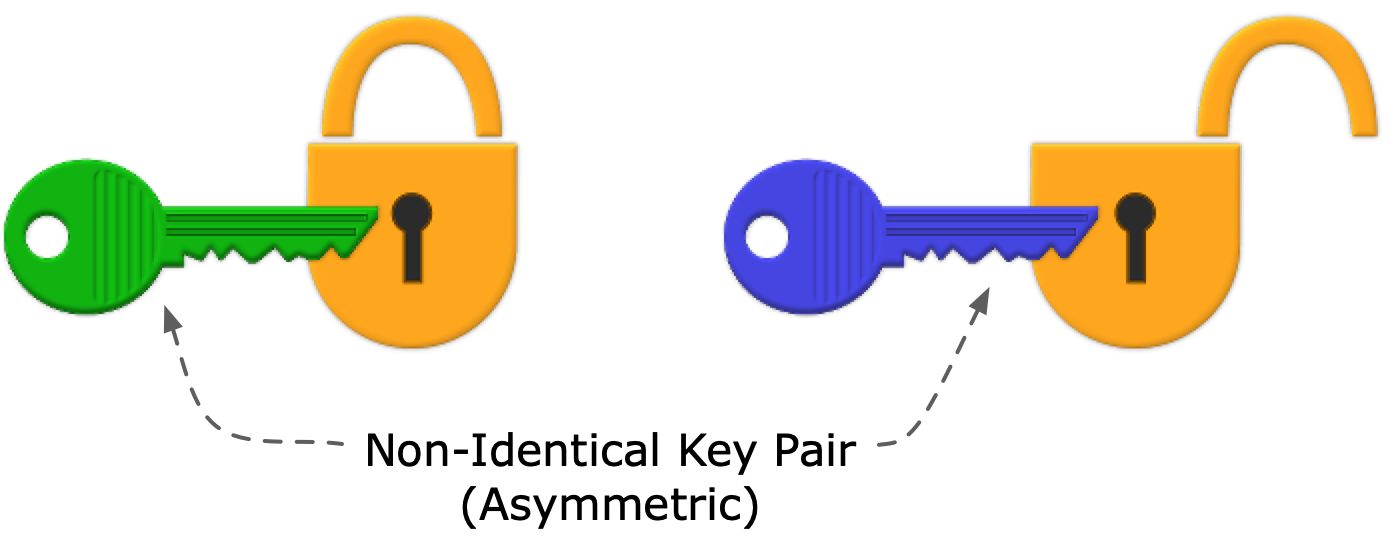
Figure EM-2. Asymmetric Keys
Digital cinema content uses a combination of symmetric-key and asymmetric-key cryptography, where the content is encrypted once, distributed widely, but only authorized equipment having the correct private key can decrypt the content key that enables playout. In the cinema application, playback devices contain a secure Media Block to play the content. The encryption scheme accomplishes several goals:
- Simple in concept
- Efficient, where large amounts of data are encrypted once (Track Files), and only small amounts of data are encrypted for each playback device (KDMs)
- Revocable at the device level (Note: this is further discussed in the section on Trusted Device List)
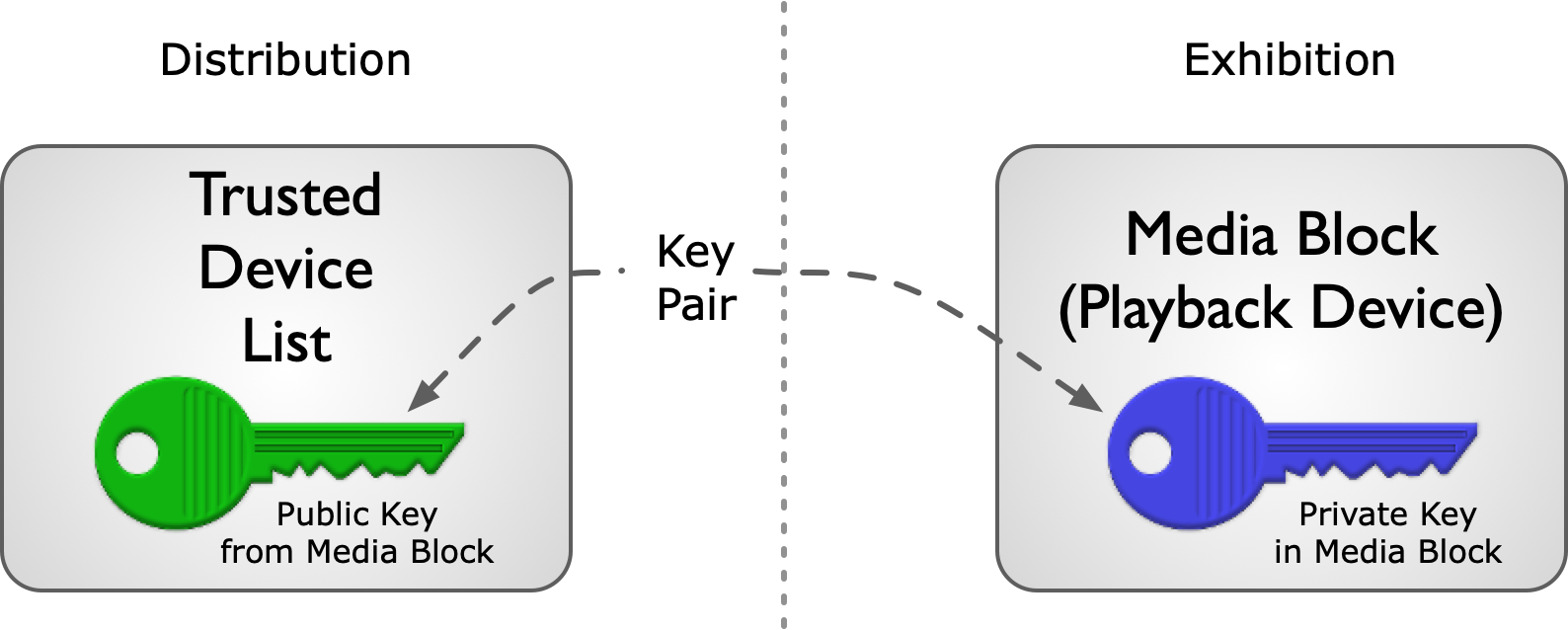
Figure EM-3. Public and Private Keys in Digital Cinema
Security Key Workflow
In the digital cinema workflow, content that the owner chooses to protect is encrypted using a symmetric key. To secure the symmetric key, it must also be encrypted. This is accomplished by encrypting the symmetric key using the public key of the target playback device (a Media Block). Of course, this method requires that the content distributor knows the target device’s public key. In practice, distributors build and maintain a Trusted Device List (TDL), matching device certificates containing public keys with the location of trusted devices. (See section on Trusted Device List).
(Note: The term Trusted Device List as used here is a database maintained by or for content owners, and is not the Trusted Device List element found in the KDM.)
A DCI-compliant digital cinema playback system never stores encrypted picture and sound content in unencrypted form for playback at a later time. By specification, the system always decrypts content in real-time at the time of play. Accordingly, the KDM carries a date-time window condition that dictates when the content can be decrypted and played. (See the KDM section for more details.)
The illustration below ties together the elements of the content encryption model. The key for decrypting content in the cinema is carried in encrypted form by a KDM. The KDM is created by a trusted party only for an authorized player, simultaneously authorizing and expressing trust in the player. At the player, the KDM enables the player to decrypt the content in real-time as it plays.
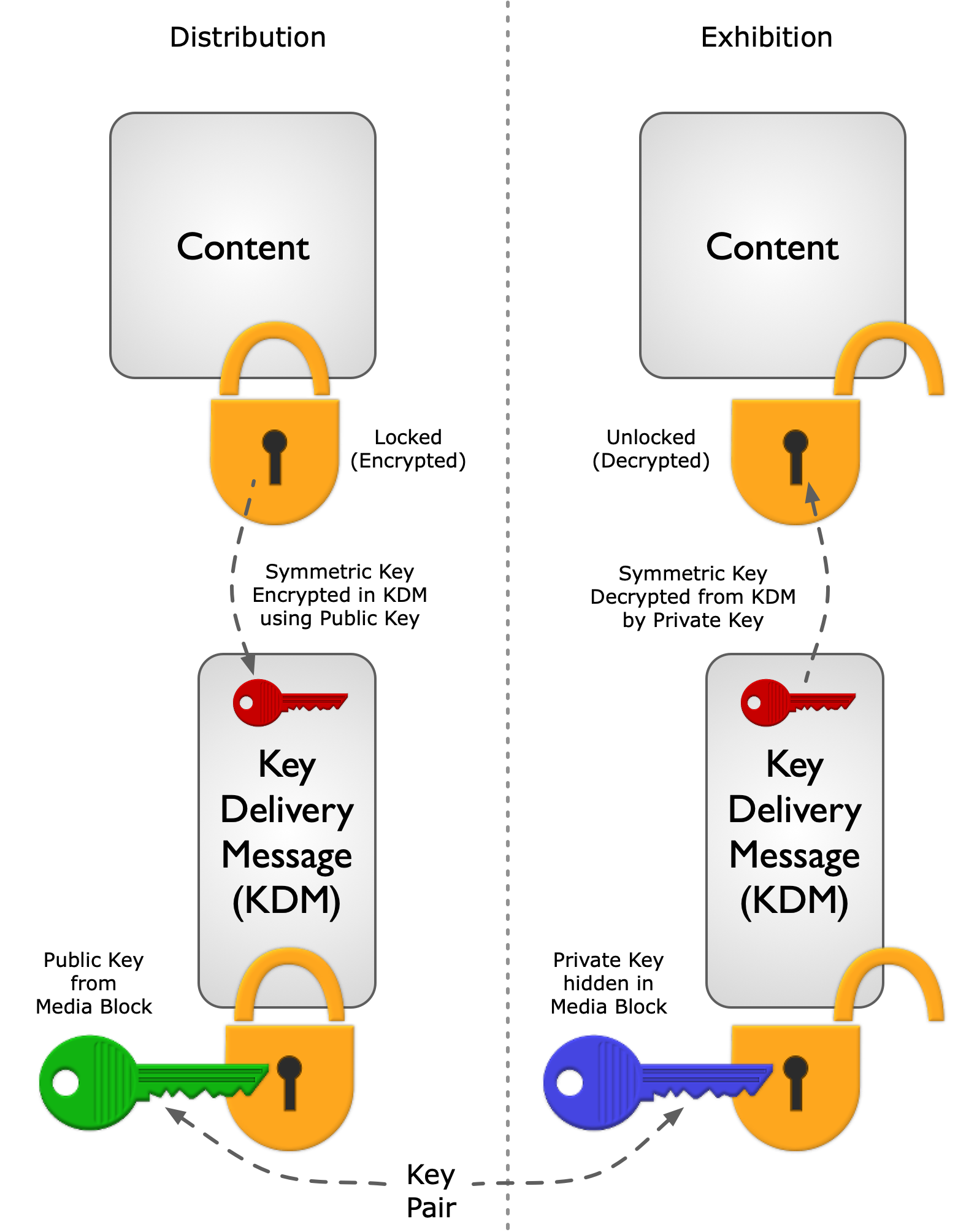
Figure EM-4. Digital Cinema Security Key Workflow